Schedule posts on your client’s Facebook Page
Connect your client’s Facebook Page and schedule its posts in the same calendar as their other networks.
Fine aroma cacao, straight from the source. See our process →

Facebook in Fidflow
Facebook Pages
The integration publishes to Facebook Pages, not personal profiles.
Text, photo or video
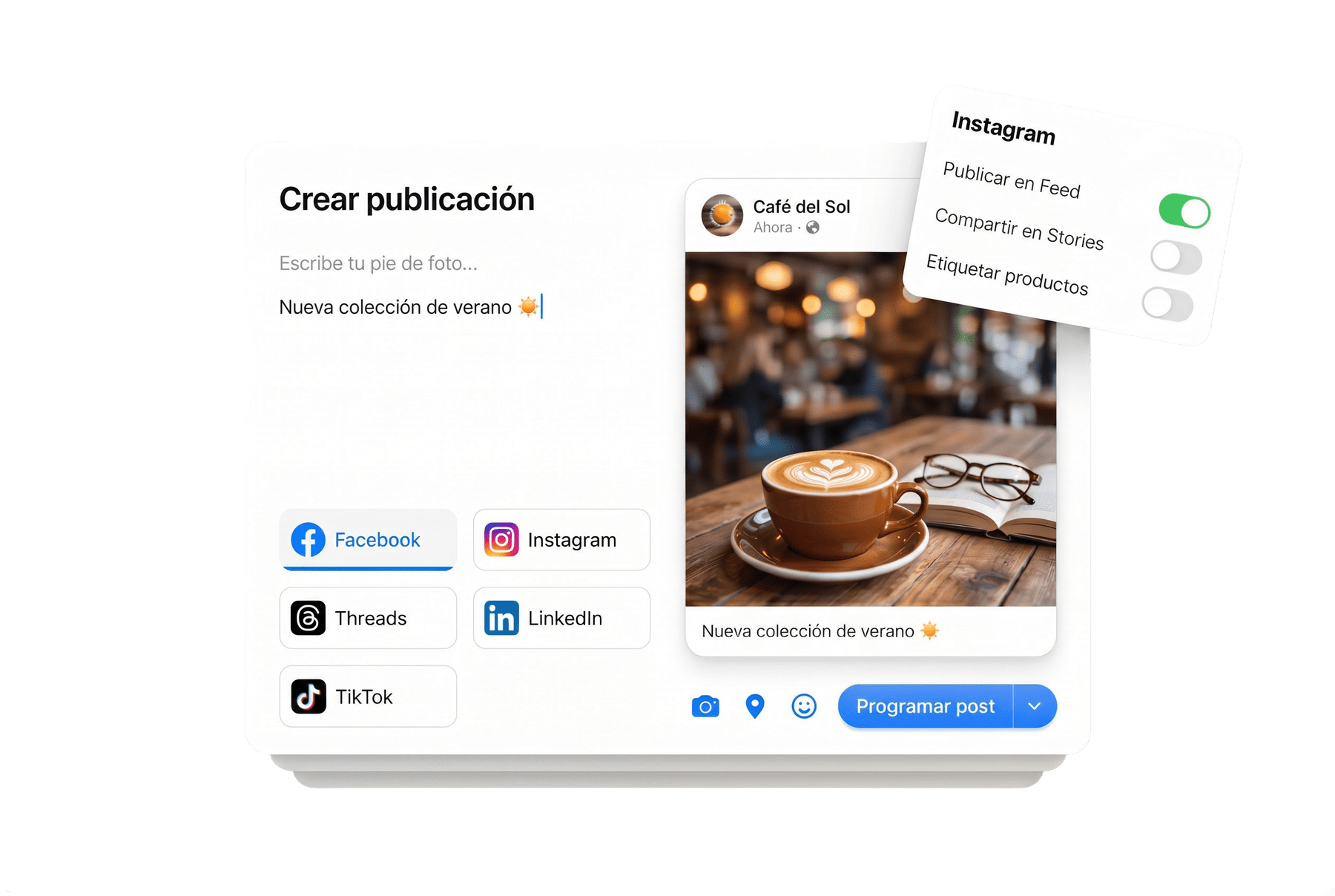
Post text only, images or a video, with a Facebook-specific version.
One post, more networks
One post can go out on Facebook and Instagram at the same time, each with its own text.
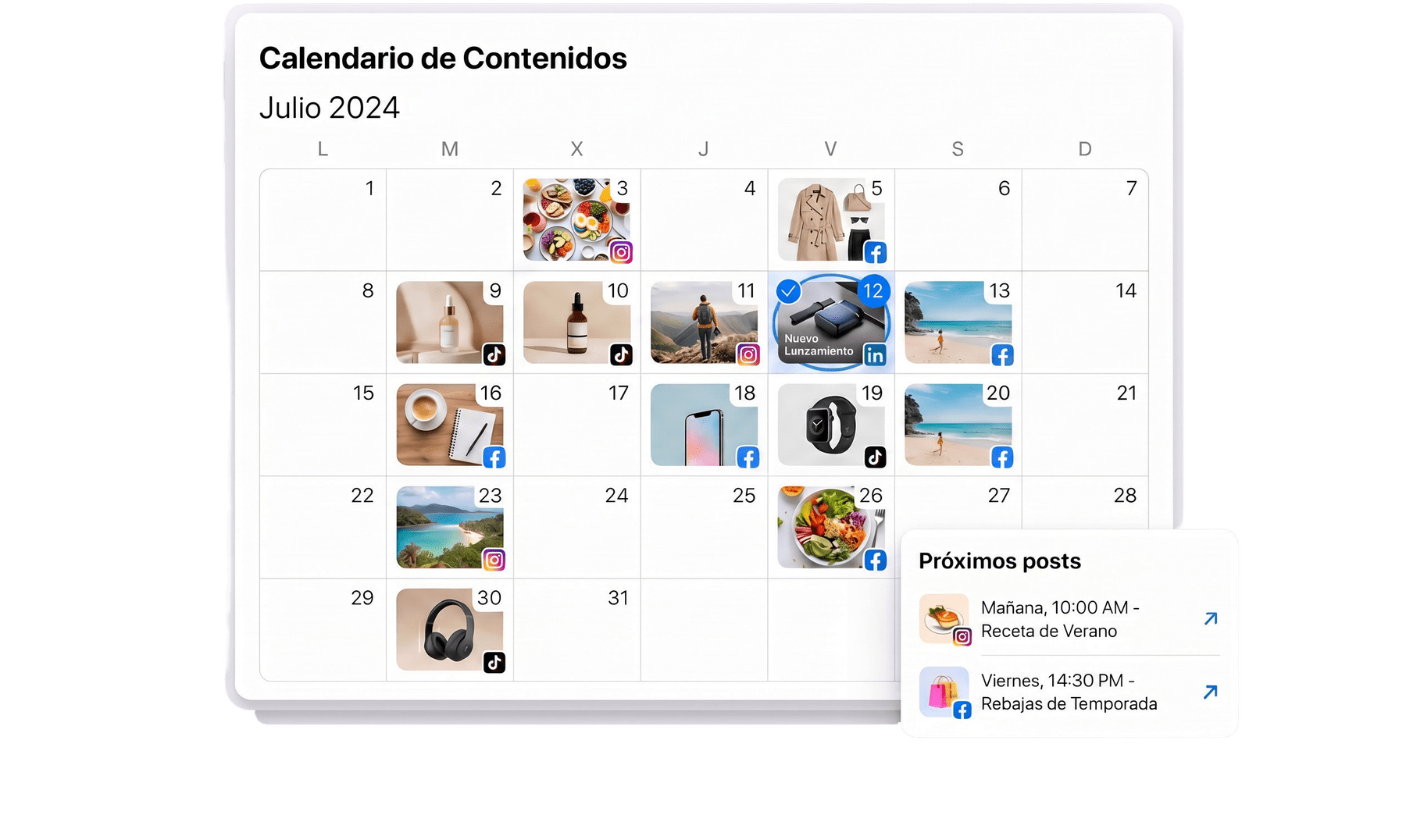
Facebook in every client’s calendar
Organize the Page’s posts next to the client’s other networks and drag them to a new date.
Your client approves the Facebook version
The approval portal shows the Facebook version on its own. Your client approves it or requests changes, and it stays in the history.
About Facebook in Fidflow
What do I connect: a profile or a Page?
A Facebook Page. You connect it through Meta’s official authorization, without sharing your password.
What can I publish?
Posts with text, images or video. Images up to 30 MB.
Does my client approve before publishing?
Yes. They see the Facebook version in their portal and approve it or request changes.